
Store dashboard · Sales
Every order and every cancellation
How much profit each order brought and why it was canceled — based on Uzum's official records.
Connect your Uzum storeNo card requiredFrom 499,000 so'm a month
What's on the screen
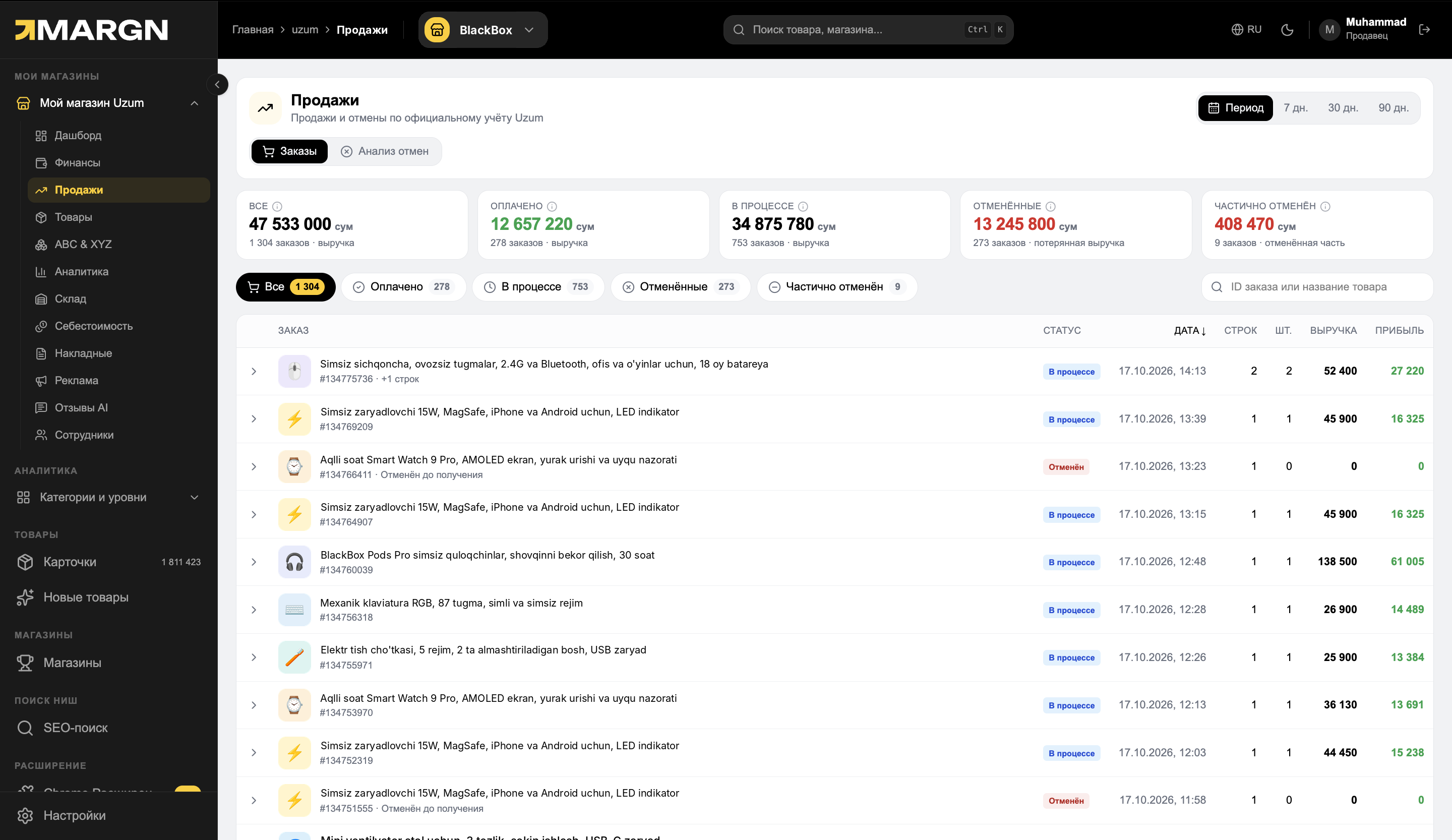
1
Key metricsTotal, paid, in progress, canceled and partial — with revenue.
2
Filter by statusOrders with the status you need in one click.
3
Order listProduct, status, date, quantity and revenue.
4
Profit columnHow much profit is left from each order.
Every orderon its own row, with profit
8+ reasonsfor cancellations — broken down by type
Dailycancellation rate chart
Questions it answers
Which order brought profit?The profit of each order is shown separately.
Why are orders canceled?Number and lost amount by reason.
Which reason can be fixed?The "fixable" label: size, quality, defect.
Which product is canceled more often?Cancellation rate by product.
Cancellations
Why orders are canceled and how much money it costs.
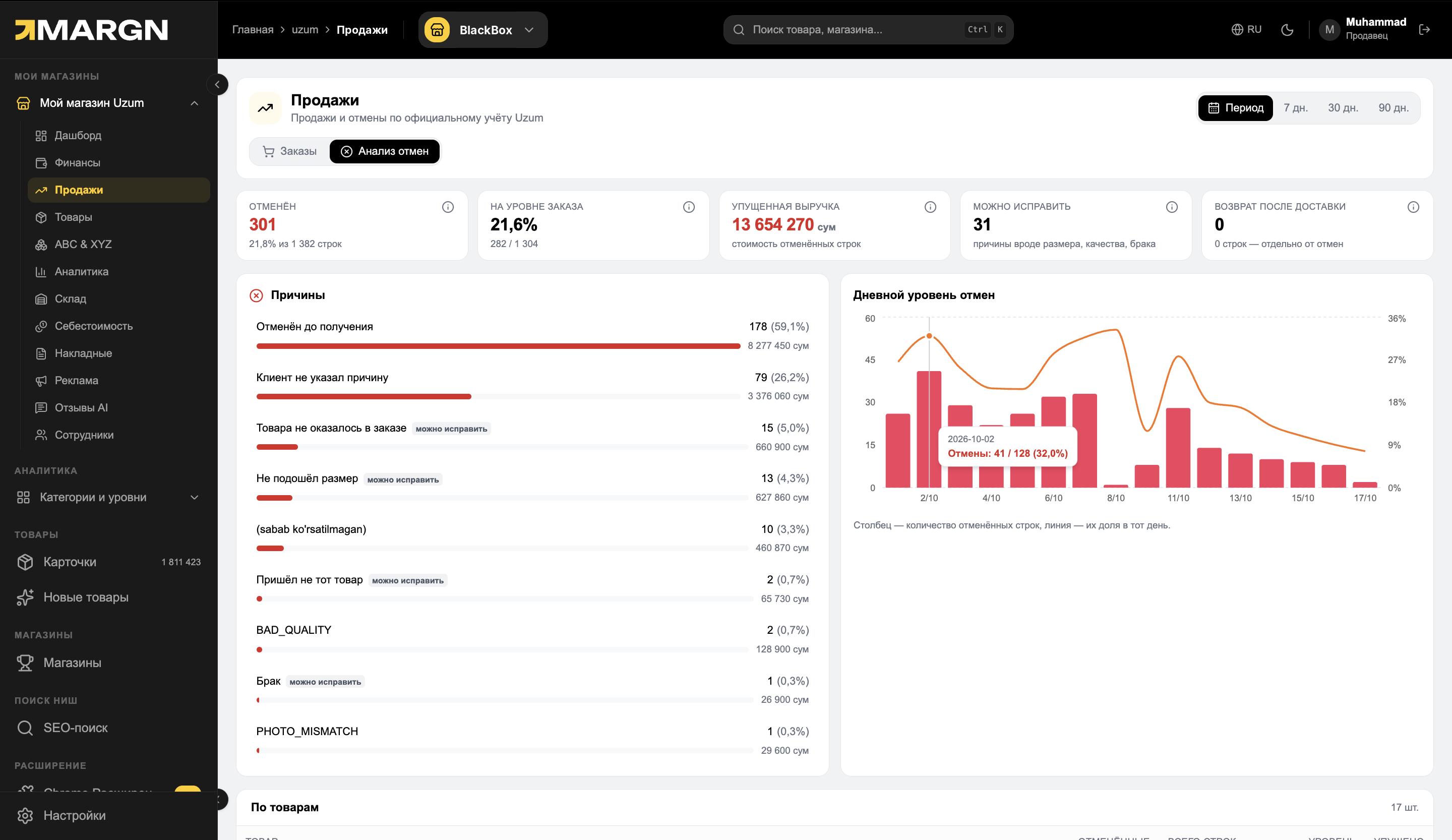
1
Key metricsCanceled lines, order rate, lost revenue and what can be fixed.
2
ReasonsReason, quantity and lost amount.
3
Daily cancellation rateThe bar is the number of canceled lines, the line is their share that day.
4
By productHow many cancellations each product has.
How it works
1Open "Sales"Orders and cancellation analysis are two tabs.
2FilterBy status, date or product.
3Find the reasonSee the main cancellation reason and take action.
Questions and answers
Where does the data come from?
From Uzum's official records: sales and cancellations by the statuses recorded there.
What does "fixable" mean?
Reasons the seller can influence: size, quality, defect, the item was missing from the order.
Are returns here too?
No. Returns after delivery are counted separately from cancellations.
See your store in numbers
7 days of full access. No card needed.