
MARGN/Academy
MARGN Academy
Learn to sell
Learn to sell
on Uzum.
Video courses and step-by-step platform guides — every screenshot shows exactly where to click.
26guides
147steps
4languages
Coming soon
Selling on Uzum Market: from zero to first profit
A video course with experienced sellers — from opening a store to ads and profit tracking. Message us on Telegram to hear first.
Notify me at launchMARGN × Uzum
Course outline6 modules
- 01Opening an Uzum store and paperwork
- 02Choosing a niche and your first batch
- 03Product cards: photos, SEO and copy
- 04FBO / FBS logistics
- 05Ads and promotions
- 06Profit tracking and scaling
How to use the platform
Every guide is a few short steps with annotated screenshots. Pick the area you need.
1
Getting started
3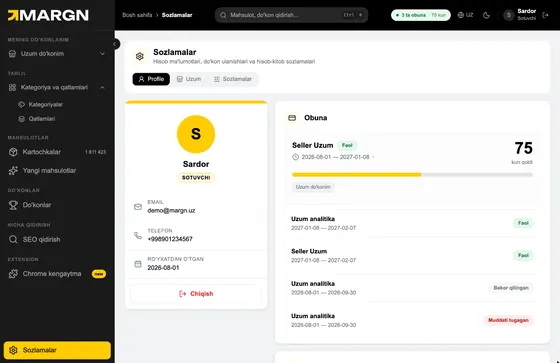 Profile, subscription and settingsWhere to find your account details, active plans and days left — your first step in the platform.
4 steps4 minOpen
Profile, subscription and settingsWhere to find your account details, active plans and days left — your first step in the platform.
4 steps4 minOpen
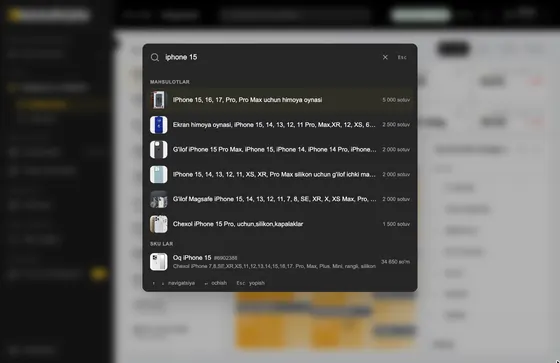 Quick search: Ctrl + KJump to any product, SKU or store from any page in a second.
4 steps4 minOpen
Quick search: Ctrl + KJump to any product, SKU or store from any page in a second.
4 steps4 minOpen
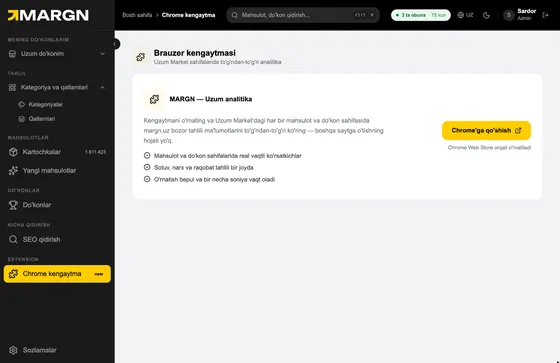 Chrome extensionSee MARGN metrics right on Uzum Market pages.
3 steps3 minOpen
Chrome extensionSee MARGN metrics right on Uzum Market pages.
3 steps3 minOpen
2
Finding a niche
3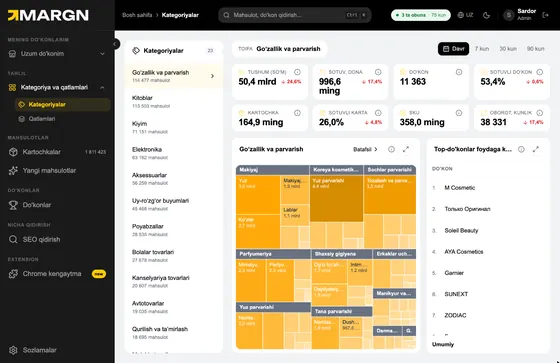 Categories: study the market and pick a nicheUzum's full category tree: where the money is, where competition is thin, and who leads.
7 steps6 minOpen
Categories: study the market and pick a nicheUzum's full category tree: where the money is, where competition is thin, and who leads.
7 steps6 minOpen
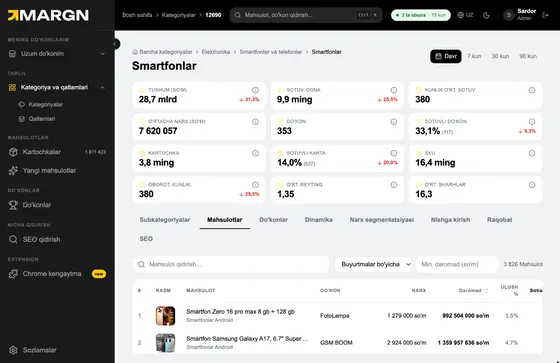 Category profile: analyse a niche from insideTrends, price segments and an entry score — everything to know before you launch.
7 steps6 minOpen
Category profile: analyse a niche from insideTrends, price segments and an entry score — everything to know before you launch.
7 steps6 minOpen
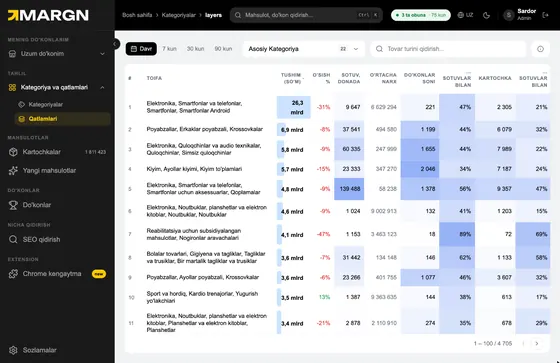 Layers: every category in one tableCompare 4,700+ leaf categories by revenue, growth and competition.
5 steps4 minOpen
Layers: every category in one tableCompare 4,700+ leaf categories by revenue, growth and competition.
5 steps4 minOpen
3
Products & competitors
5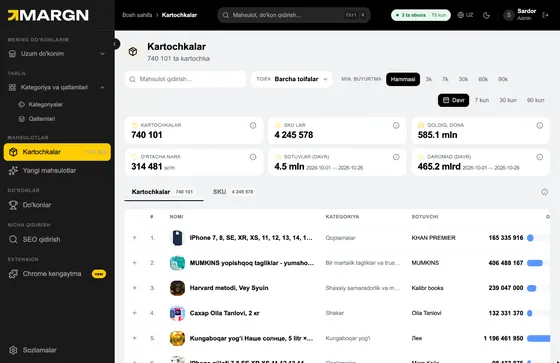 Product cards: find products and competitors1.8M+ Uzum cards with sales, prices and stock — find the best-sellers.
6 steps5 minOpen
Product cards: find products and competitors1.8M+ Uzum cards with sales, prices and stock — find the best-sellers.
6 steps5 minOpen
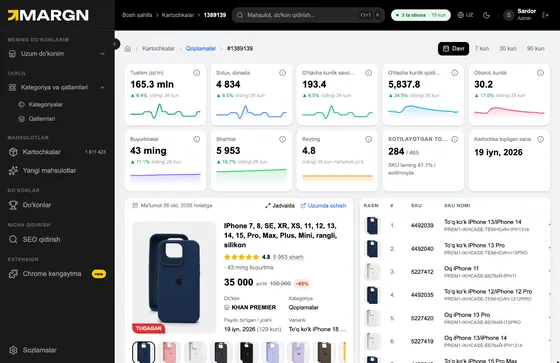 Product page: the full history of one itemSales, price and stock day by day and by SKU.
5 steps4 minOpen
Product page: the full history of one itemSales, price and stock day by day and by SKU.
5 steps4 minOpen
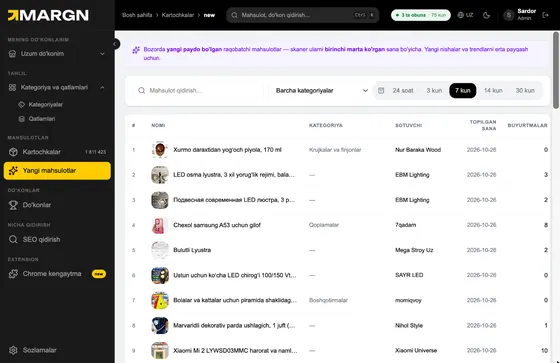 New products: what just hit the marketRecently added cards that are already selling — catch trends early.
3 steps3 minOpen
New products: what just hit the marketRecently added cards that are already selling — catch trends early.
3 steps3 minOpen
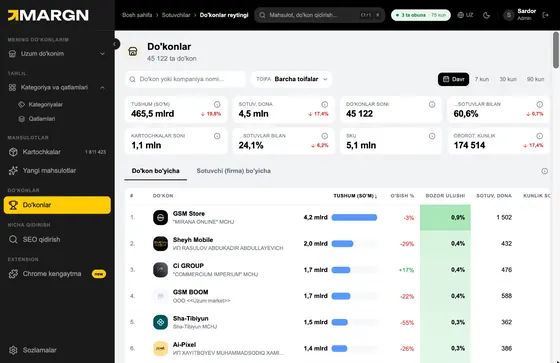 Store ranking: who sells how muchEvery Uzum store ranked by revenue — find the strong players in your category.
5 steps4 minOpen
Store ranking: who sells how muchEvery Uzum store ranked by revenue — find the strong players in your category.
5 steps4 minOpen
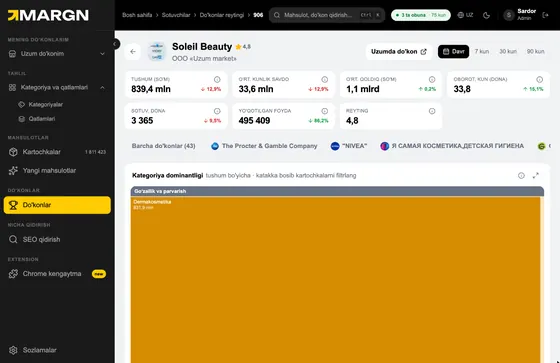 Store profile: break down a competitorA competitor's revenue, brands, strongest categories and best-sellers.
6 steps5 minOpen
Store profile: break down a competitorA competitor's revenue, brands, strongest categories and best-sellers.
6 steps5 minOpen
4
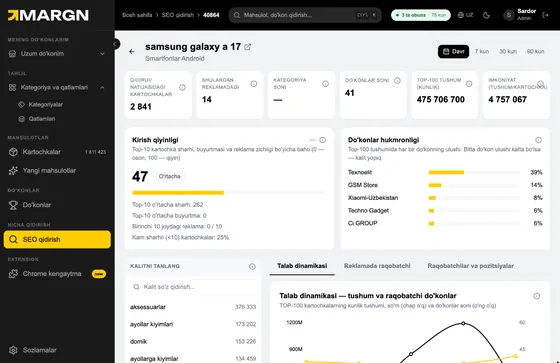
SEO & keywords
2
1
Connect & set up
3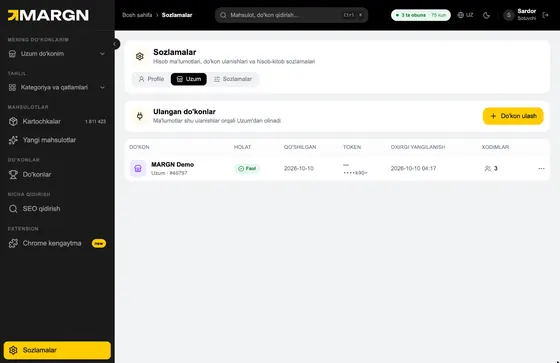 Start here
Connect your Uzum storeConnect with an API token in 2 minutes to see your real sales, profit and stock.
7 steps6 minOpen
Start here
Connect your Uzum storeConnect with an API token in 2 minutes to see your real sales, profit and stock.
7 steps6 minOpen
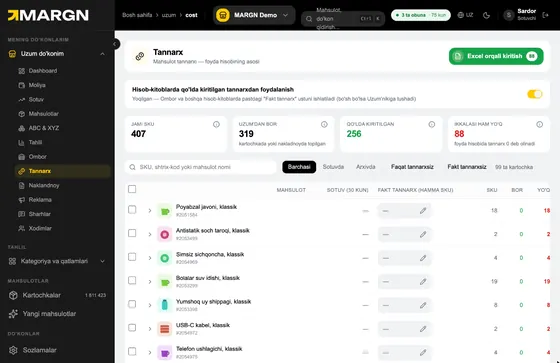 Cost price: the basis of profitWithout cost prices your net profit is wrong. Enter them in the table or via Excel in minutes.
6 steps5 minOpen
Cost price: the basis of profitWithout cost prices your net profit is wrong. Enter them in the table or via Excel in minutes.
6 steps5 minOpen
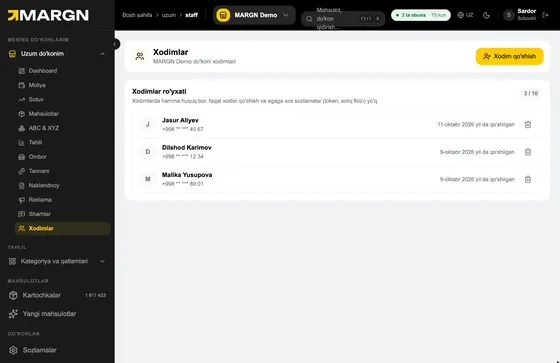 Staff: add your teamGive a manager or accountant access to your store.
4 steps4 minOpen
Staff: add your teamGive a manager or accountant access to your store.
4 steps4 minOpen
2
Profit & finance
4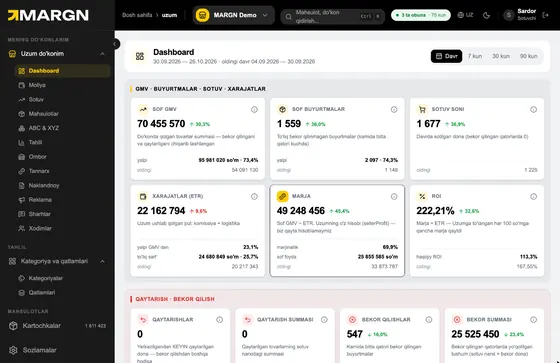 Dashboard: your store at a glanceNet GMV, margin, ROI, cancellations and daily trends — the page to open every morning.
8 steps6 minOpen
Dashboard: your store at a glanceNet GMV, margin, ROI, cancellations and daily trends — the page to open every morning.
8 steps6 minOpen
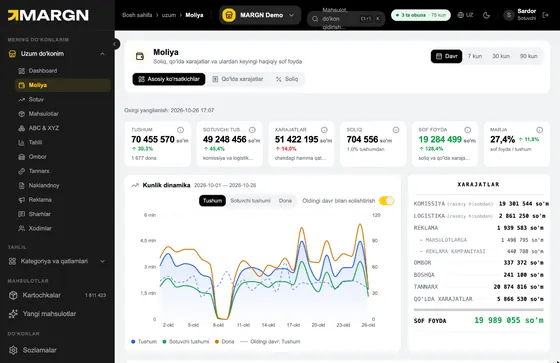 Finance: your real net profitSee what is left after tax and your own expenses.
7 steps6 minOpen
Finance: your real net profitSee what is left after tax and your own expenses.
7 steps6 minOpen
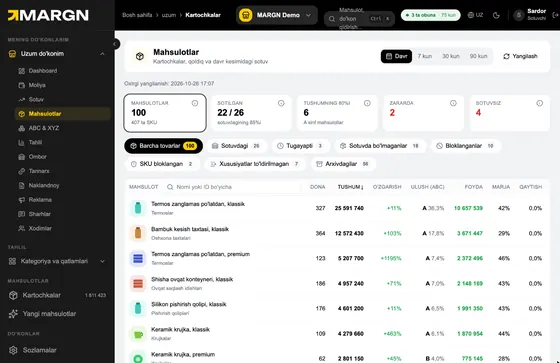 Products: profit per cardWhich items make money and which lose it — by units, profit, margin and returns.
7 steps6 minOpen
Products: profit per cardWhich items make money and which lose it — by units, profit, margin and returns.
7 steps6 minOpen
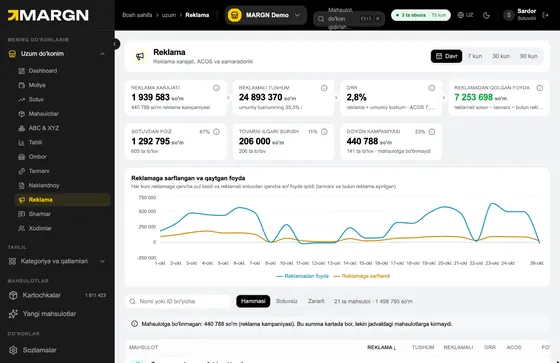 Ads: DRR, ACOS and ad profitKnow how much net profit every so'm of ad spend brings back.
5 steps4 minOpen
Ads: DRR, ACOS and ad profitKnow how much net profit every so'm of ad spend brings back.
5 steps4 minOpen
3
Sales & assortment
3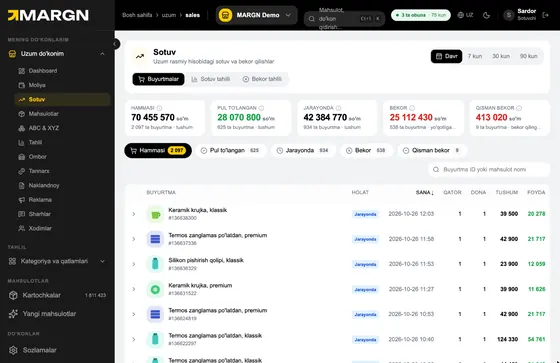 Sales: orders and cancellationsProfit inside every order, the sales chart and why customers cancel.
7 steps6 minOpen
Sales: orders and cancellationsProfit inside every order, the sales chart and why customers cancel.
7 steps6 minOpen
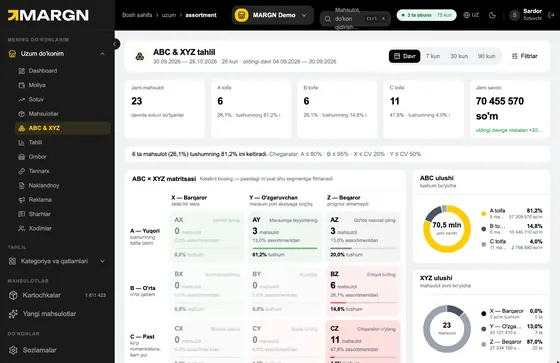 ABC & XYZ: manage your assortmentWhat to scale, what to watch and what to drop.
7 steps6 minOpen
ABC & XYZ: manage your assortmentWhat to scale, what to watch and what to drop.
7 steps6 minOpen
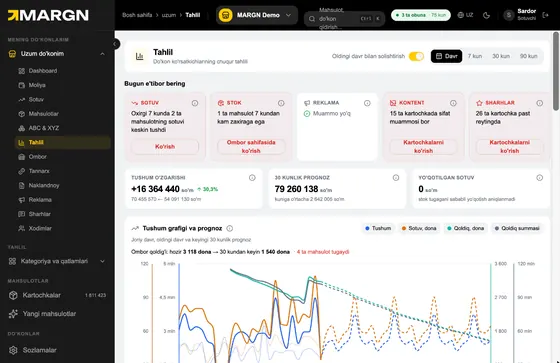 Insights: what needs attention todayAutomatic alerts, a 30-day forecast and a profit waterfall — catch problems before they grow.
6 steps5 minOpen
Insights: what needs attention todayAutomatic alerts, a 30-day forecast and a profit waterfall — catch problems before they grow.
6 steps5 minOpen
4
Warehouse & customers
3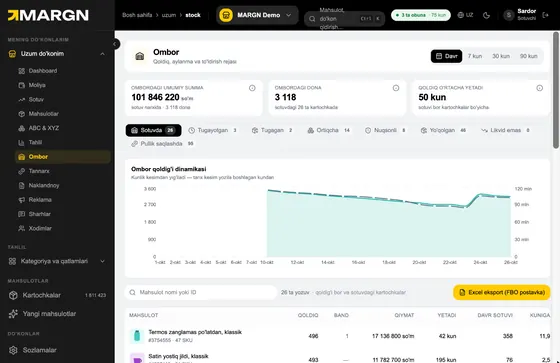 Warehouse: stock and replenishmentWhat's running out, what's overstocked — and a ready file for your FBO shipment.
5 steps4 minOpen
Warehouse: stock and replenishmentWhat's running out, what's overstocked — and a ready file for your FBO shipment.
5 steps4 minOpen
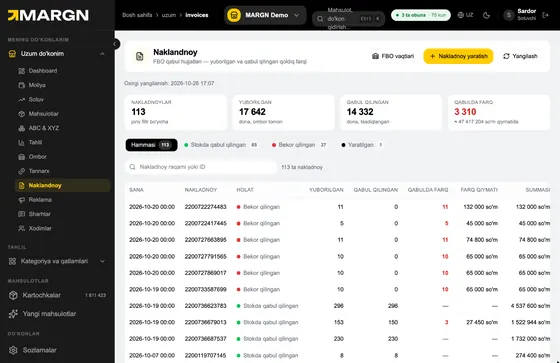 Invoices: FBO shipmentsTrack gaps between sent and accepted units and create new shipments.
5 steps4 minOpen
Invoices: FBO shipmentsTrack gaps between sent and accepted units and create new shipments.
5 steps4 minOpen
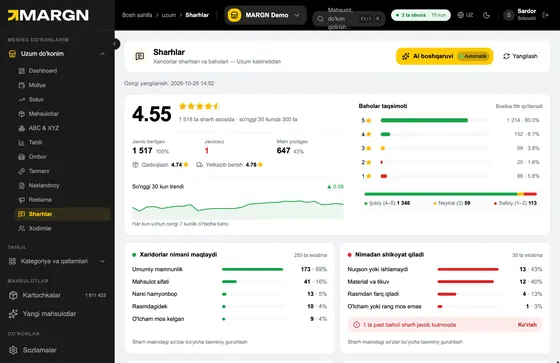 Reviews and AI repliesProtect your rating: unanswered reviews, complaint themes and automatic replies.
6 steps5 minOpen
Reviews and AI repliesProtect your rating: unanswered reviews, complaint themes and automatic replies.
6 steps5 minOpen
Nothing found. Try another word.