Uzum card requirements: title, photos and stop words
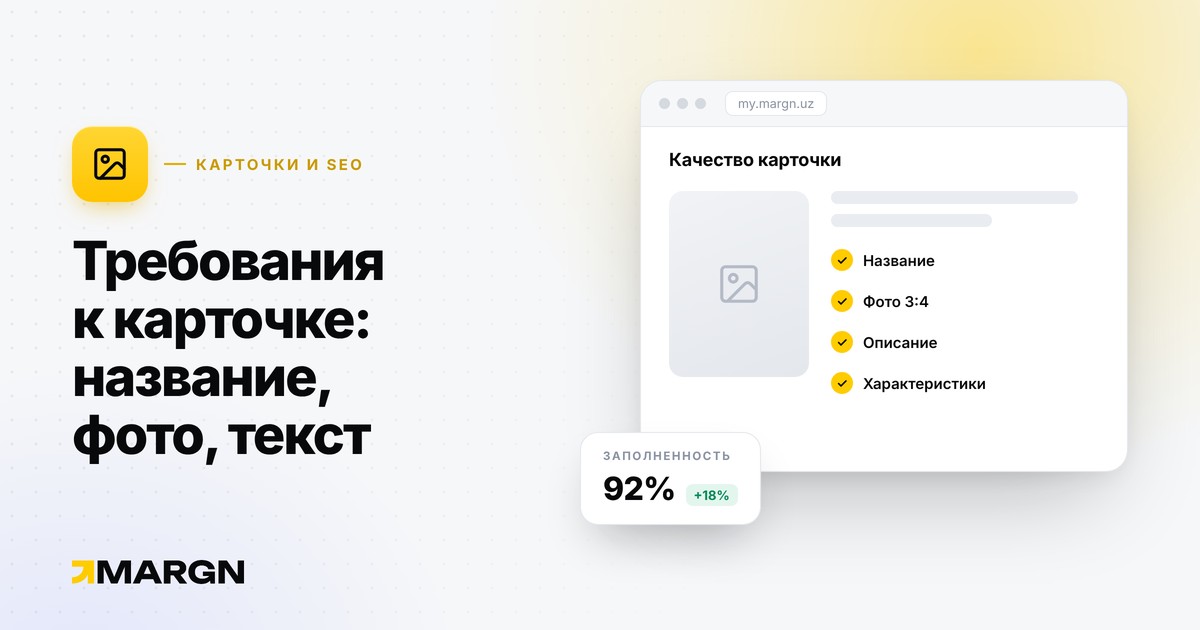
If a card is blocked or gets the “Has comments” status, the product does not sell — and both advertising and stock work for nothing. Below are the main requirements from the Uzum guide.
Title: formula and rules
Formula: product type + brand + model + key attribute. For example: “Wireless headphones Xiaomi Redmi Buds 4, noise cancellation”.
- filled in Uzbek (Latin) and Russian (Cyrillic);
- at least three words, capitalized, with no abbreviations or emoji;
- CapsLock only for a brand or model;
- if there are several colors or sizes, do not list them — give only the number.
Stop words
Not allowed in the title and description: sale, free, order, buy, cashback, new, original, clearance, discount, trend, top, hit. The exception is when the word is part of a brand, model or attribute. Comparisons such as “cheap” or “best quality”, stuffing with irrelevant words, contacts and external links are also prohibited.
Photos
- JPEG, JPG, WebP or PNG format, up to 5 MB;
- at least 750×1000, portrait orientation 3:4;
- at least one front-facing photo for every SKU;
- the product is fully visible and takes up more than 50% of the frame;
- a photo in packaging cannot be the only one;
- no filters, overexposure or underexposure; a calm plain background is recommended;
- AI images that distort the product are prohibited.
Text on infographics — only in Uzbek or Russian, with no contacts; the logo is small and does not cover the product.
Video
MP4, at least 1080×1440, 3:4, up to 10 MB and no background music.
Attributes and SKUs
- up to 5 attribute groups in a card, of which up to 3 unique;
- groups can only be changed before the first shipment to the warehouse — afterwards you can only add new values;
- color and size are mandatory for clothing, shoes and accessories;
- different products in one card and duplicate SKUs of the same product are prohibited.
After moderation
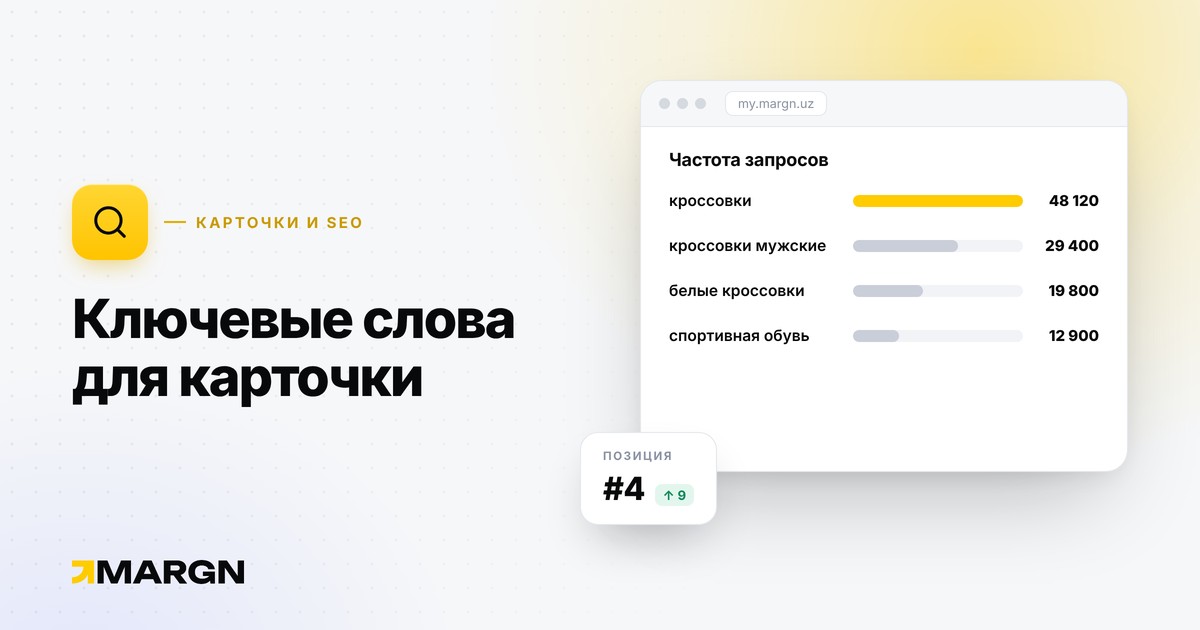
Meeting the requirements is the minimum. For a card to rank higher in search, the title and attributes need the words buyers type: how to choose keywords.
Source: Uzum guide, “Creating product cards”.