How to analyze competitors on Uzum
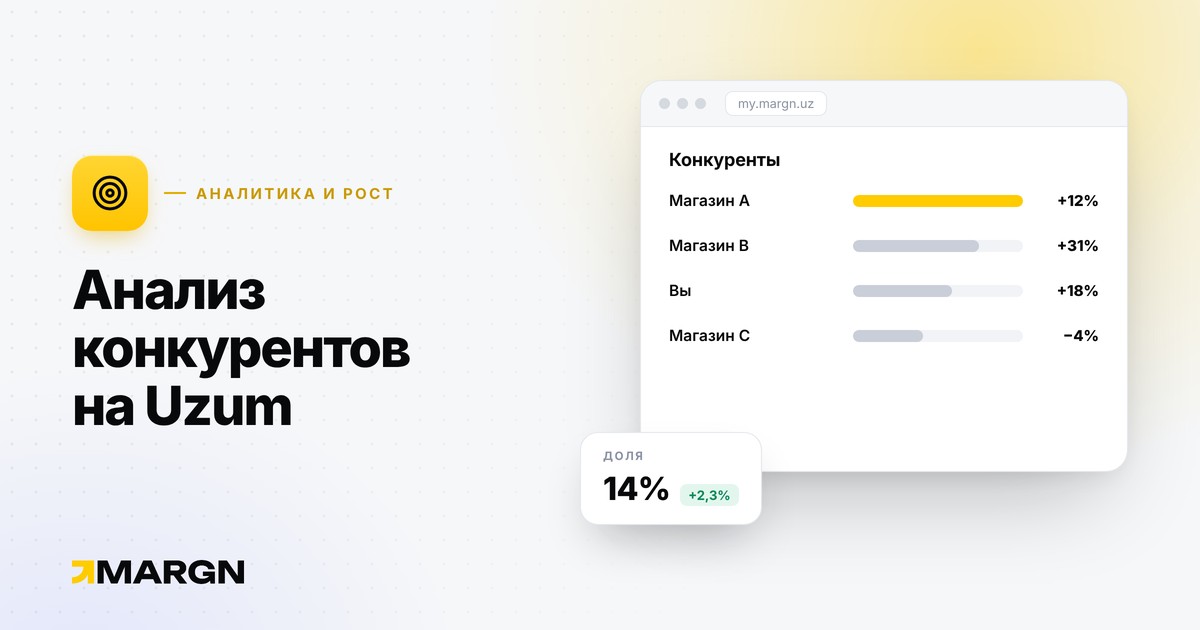
Competitor analysis is not copying but understanding where there is free space in the market and what buyers are unhappy about. On Uzum, a competitor's revenue, price, stock and reviews are visible from open data — if you watch them regularly, many decisions can be made without guesswork.
Who your competitor is
A competitor is a seller who fights you for the same buyer. They come in three kinds:
- Search neighbors — cards from the TOP-10 for your main queries. They are not always in your category.
- Category leaders — the biggest stores by revenue and share.
- Your price segment — those who sell a similar product at a similar price.
Pick 5–10 main competitors. With more, the list stops being useful.
What to watch
- Revenue and growth. Who is growing and how fast.
- Price and discounts. Price history: when they discount and how sales react.
- Stock. Days when a competitor is out of stock are your opportunity.
- Assortment. Number of cards and SKUs, new products.
- Reviews and rating. What buyers complain about is a ready-made improvement list for your product.
- Keywords and advertising. Which queries the competitor ranks for and where ads push them up.
Read the numbers correctly
A competitor's sales and revenue are an estimate from the open catalog, not their accounting. It does not show the competitor's cost price, advertising spend or returns. So use the numbers not as absolute values but for comparison and trends: who is growing, who is falling, who has the bigger share.
From finding to decision
- A competitor is running out of stock → check your own stock and boost advertising for that period.
- Reviews are full of size complaints → add an accurate size chart to the card.
- The leader cut the price → calculate whether you would still make a profit; do not rush into a price war.
- One store took most of a query → look for neighboring queries with less competition.
- A competitor added a SKU and it sells fast → check demand for your own assortment.
How often to check
Once a week is enough to review the list of main competitors. During price changes or promotions — every day. Regularity matters: a one-off analysis quickly goes stale.
Typical mistakes
- Blindly copying a competitor's price without calculating profit.
- Watching too many stores and drawing conclusions about none.
- Looking only at revenue — fast growth can come from big discounts or advertising.
- Looking only at your own category — real competitors in search may be in another one.
How to do it in MARGN
In the store ranking, find category leaders and fast-growing stores, and inside a store — its categories, cards and keywords. In the products section you can see the price, stock and sales history of every SKU, and in the keywords section — TOP-10 positions per query. When choosing a niche, evaluate it by 5 metrics.