How to become a seller on Uzum Market: step-by-step guide 2026
You do not need big capital to become a seller on Uzum Market, but you must go through several formal steps without mistakes. One wrong tick in the tax cabinet delays activation by several days. Below is the order according to the official Uzum seller guide.
Who can sell
Three forms registered in Uzbekistan:
- Legal entity (LLC, etc.) — registration certificate, order appointing the director and passport.
- Sole proprietor — certificate and passport.
- Self-employed — certificate and passport. Usually suitable only for goods of your own production.
Important: you can change the legal form later only by deleting the account and registering again. Choose right away.
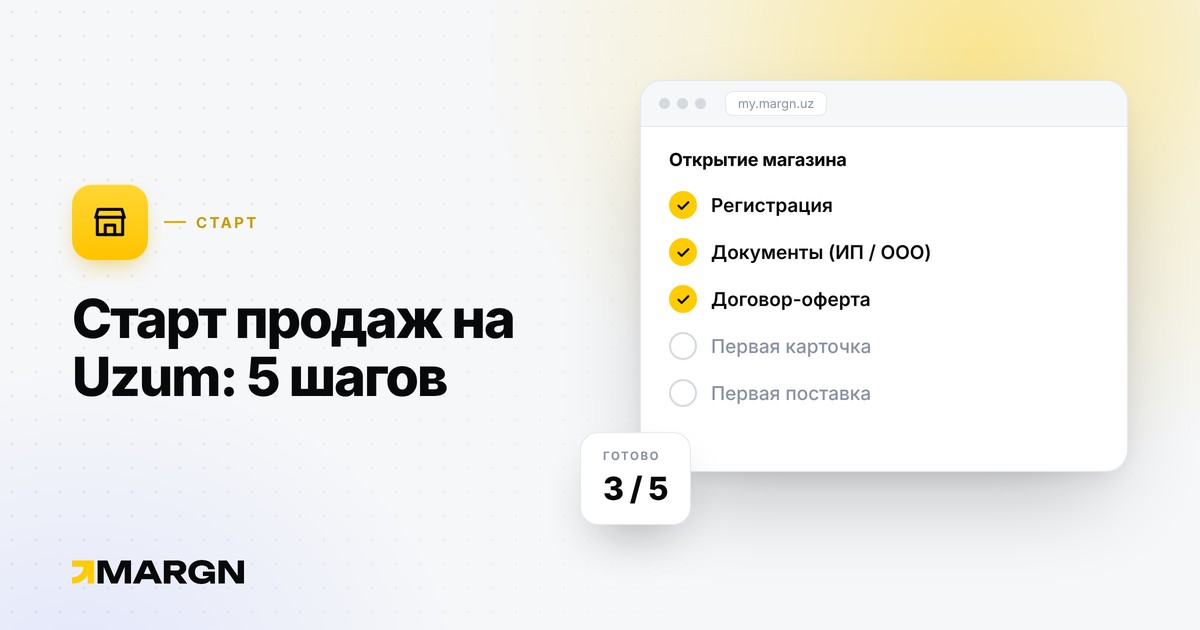
Step 1. Account and offer
Register in the Uzum Sellers cabinet with a valid number and email — confirmation codes arrive on both. If you already have a Uzum buyer account, log in with that number: a second account cannot be created. Registration means accepting the offer agreement.
Step 2. “Personal data” and documents
Choose the form, fill in the data and upload the documents. In this section a contract number appears — you need it in the next step.
Step 3. Add Uzum as a commission agent
This is where people stumble most often. In the my3.soliq.uz cabinet, open “Forming the list of commission agents of legal entities” and add Uzum:
- take the contract number from “Personal data”;
- the end date — at least 5 years from the start date;
- tick both “Online cash register” and “Marketplace” — if only one, the application will be rejected;
- leave the sub-principal field empty.
Then send business support screenshots of “Personal data” and the confirmation, as well as the account email. Verification usually takes up to 2 days.
Step 4. Create a store
In the "Stores" section, set the name, URL and description. Rules:
- the name must be unique on the marketplace, with no contacts or slogans;
- the description must not contain links, an offline store address, discounts, cashback or refunds;
- the cover banner is 1240×200 px.
Placing identical or similar products in several stores is prohibited: color, size and volume variants are combined into one card via SKU.
What to check before you start
Formalities are the easy part. What matters most is which product you start with. Before buying stock, check the niche's volume, growth and competition — see the article on choosing a niche — and calculate the price in the profit calculator.
What's next
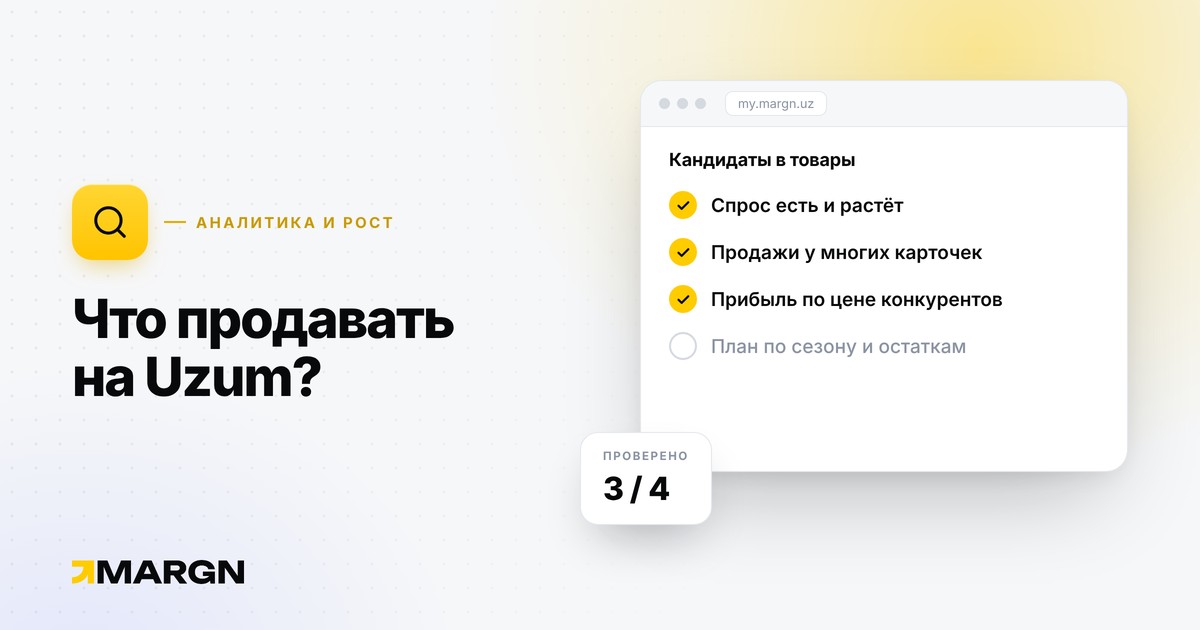
- Choose what to start with using the guide what to sell on Uzum.
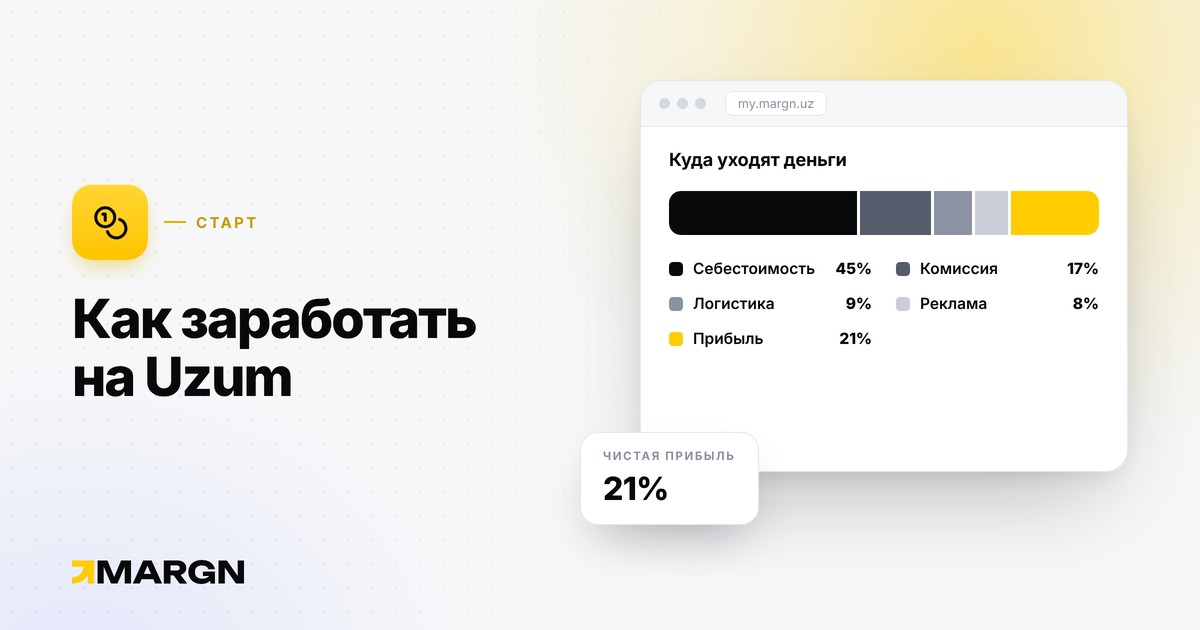
- Calculate your starting budget and expenses using the scheme in the article how to make money on Uzum.
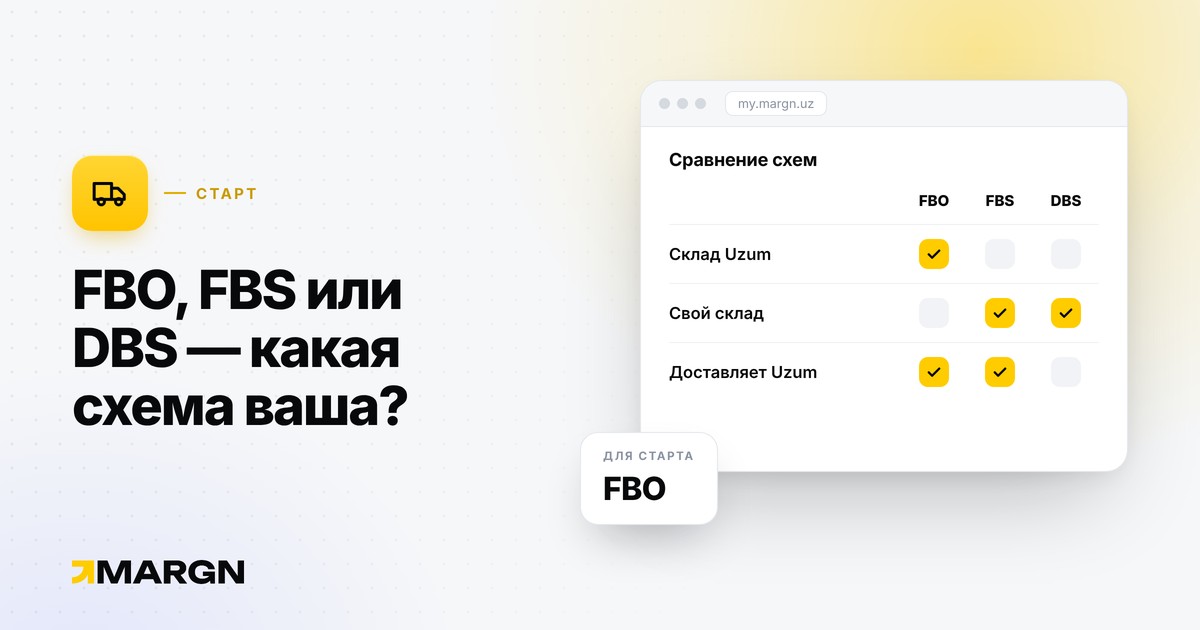
- Choose a work model: FBO, FBS or DBS.
- To learn how to study the market, see the Uzum analytics guide.
Source: Uzum seller instructions. The rules change — check the current requirements there.