Multiple stores on Uzum: structure, reporting and risks

When there are more stores, they are harder to manage: each has its own sales, stock, ads and reviews. Without order even a profitable store will show a loss.
Why several stores
- working with different legal entities or suppliers;
- clearly different niches (for example, clothing and home goods);
- dividing staff responsibility;
- testing a new direction without risk to the main store.
Adding more stores does not by itself grow sales: first build a system that works in one.
Give each store a role
Write down for each store: niche, scheme (FBO, FBS or DBS), target margin and the person responsible. This protects from the situation where "everyone knows everything, but no one is responsible".
Staff and access
- Give each employee a separate login and open only the sections they need.
- Financial data (cost price, profit) through separate access.
- When an employee leaves, close their access at once.
Unified reporting
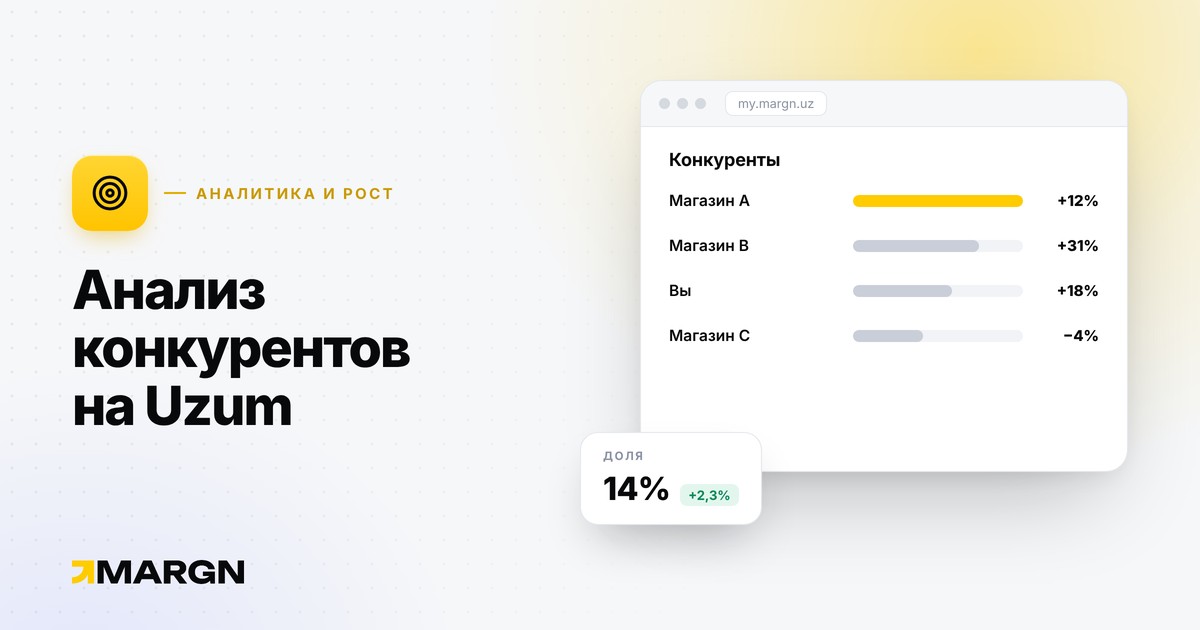
The main problem is opening the stores one by one and adding up the numbers by hand. For an overall picture track the same metrics for each store: revenue, net profit, margin, days of stock, return and cancellation rate (list). Compare stores with each other by margin and ROI to see where capital works better.
What not to do
Under Uzum rules, writing reviews for your own products, including through related persons, is forbidden and sanctions apply (rules). This also applies between your several stores: do not order "reviews" from one store to another.
Do not mix cost price and products
Keep cost price, stock and ad spend separately for each store. Mixed accounting (net profit) hides which store makes money.
Growth order
- In the first store, margin and turnover should be stable.
- Write down the processes (delivery, pricing, replies to reviews).
- Only after that open a second store.
In MARGN you can connect several stores and follow them from one dashboard; the number of stores depends on the plan — Pricing. Comparing stores by rating — Store rating.