MARGN
EN
Log in Start 7 days free
Tools
MarketStoreExtensionPricingBlog
Logistics and warehouse

Order cancellations on FBS and DBS: Uzum penalties and rating

MARGN team · · 4 min read
Order cancellations on FBS and DBS: Uzum penalties and rating

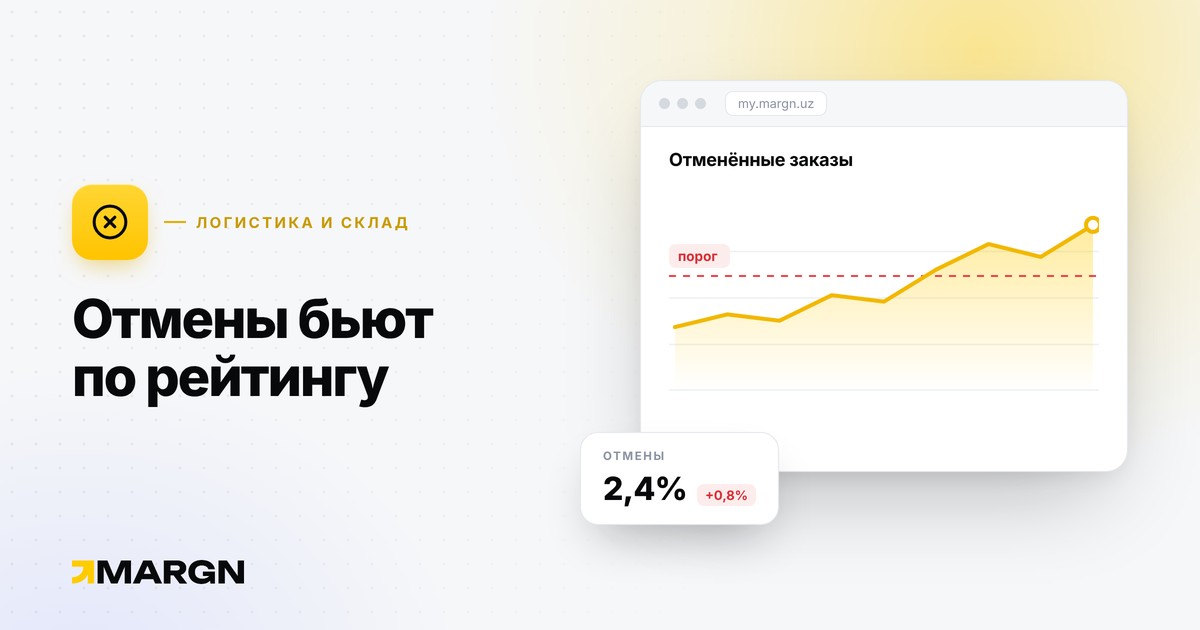
Selling from your own warehouse (FBS or DBS) gives you control over stock but demands discipline. Every cancellation means a penalty and a rating drop.

FBS: deadlines

  • confirm assembly of a new order within 16 hours;
  • you choose the cut-off time: for example, with 12:00, orders from 12:00 yesterday to 11:59 today must be at the drop-off point by 16:00 today;
  • an order can be extended once, until 16:00 the next day — a fee of 2,5% of the amount (from 5,000 to 100,000 UZS);
  • your warehouse schedule must cover at least 5 working days a week.

FBS: penalties

  • cancelling within 24 hours of creation — no penalty;
  • after 24 hours — 9% of the amount, minimum 10,000, maximum 360,000 UZS;
  • failing to hand over the order on time — automatic cancellation;
  • sending a different item instead of the one ordered — a penalty equal to the price of that item.

DBS: deadlines and penalties

  • confirm the order within 16 hours and contact the buyer on the first working day;
  • if the order is created after 15:00, that day does not count towards the delivery time;
  • cancelling within 12 hours is free; after that the penalty grows from 3% (up to 24 hours) to 9% (over 120 hours), minimum 10,000 UZS;
  • if you could not reach the buyer, choose the reason “Could not reach the customer” and send proof of the call.

Rating

Formula: 100% of completed orders minus cancellations over the last 8 days.

  • FBS: below 90% — a warning; below 80% (10+ orders) — products are unlinked from FBS and the scheme is blocked for 3 days.
  • DBS: below 95% — a warning; below 89% (10+ orders) — blocked for 3 days, after which the rating is recalculated from scratch.

How to protect yourself

  1. Sync your stock with Uzum. Most cancellations come from a product sold offline that is still on the site.
  2. Pick orders every day at the same time and set the cut-off to match your real schedule.
  3. Film the packing on video — it is your evidence in a dispute.
  4. Turn on notifications. MARGN sends Telegram alerts about sales, stock and problems — Telegram reports.

Source: Uzum guide — FBS and DBS.

A related opportunityOrders and cancellations →
Do this automatically with MARGN7 days of full access, no card required.
7 days free →

More articles

Returns and reviews on Uzum: what a seller needs to knowRules

Returns and reviews on Uzum: what a seller needs to know

Returning goods on Uzum within 10 days, collecting defective items within 30 days, when a negative review can be removed and how much it costs to pin a review.

October 12, 2026 · 4 min read
What to sell on Uzum: how to choose a profitable product and nicheAnalytics and growth

What to sell on Uzum: how to choose a profitable product and niche

How to decide what to sell on Uzum: assessing demand, checking competitors, calculating profit before you buy stock, seasonality and typical beginner mistakes.

October 16, 2026 · 8 min read
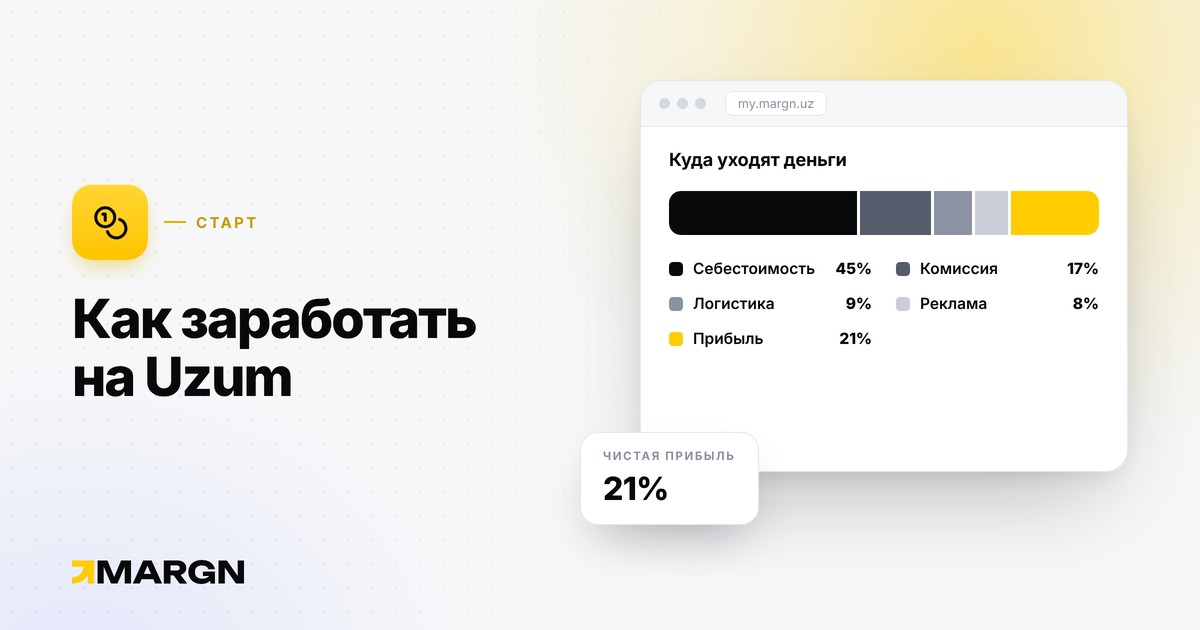
How to make money on Uzum: models, costs and risksGetting started

How to make money on Uzum: models, costs and risks

The main ways to earn on Uzum Market, the costs waiting at the start, where profit leaks and what to watch in the first 90 days.

October 16, 2026 · 7 min read
How to analyze competitors on UzumAnalytics and growth

How to analyze competitors on Uzum

How to find and track competitors on Uzum: who to follow, which metrics to watch (revenue, price, stock, reviews, keywords) and how to turn findings into decisions.

October 16, 2026 · 6 min read
How to increase sales on Uzum: 8 practical stepsAnalytics and growth

How to increase sales on Uzum: 8 practical steps

What to check if your sales on Uzum have dropped or stopped growing: stock, search positions, the card, price, advertising, reviews, cancellations and assortment.

October 16, 2026 · 7 min read
How to become a seller on Uzum Market: step-by-step guide 2026Getting started

How to become a seller on Uzum Market: step-by-step guide 2026

What you need to start selling on Uzum: sole proprietor, LLC or self-employed status, documents, adding Uzum as a commission agent in the tax cabinet and creating a store.

October 15, 2026 · 5 min read

All articles →